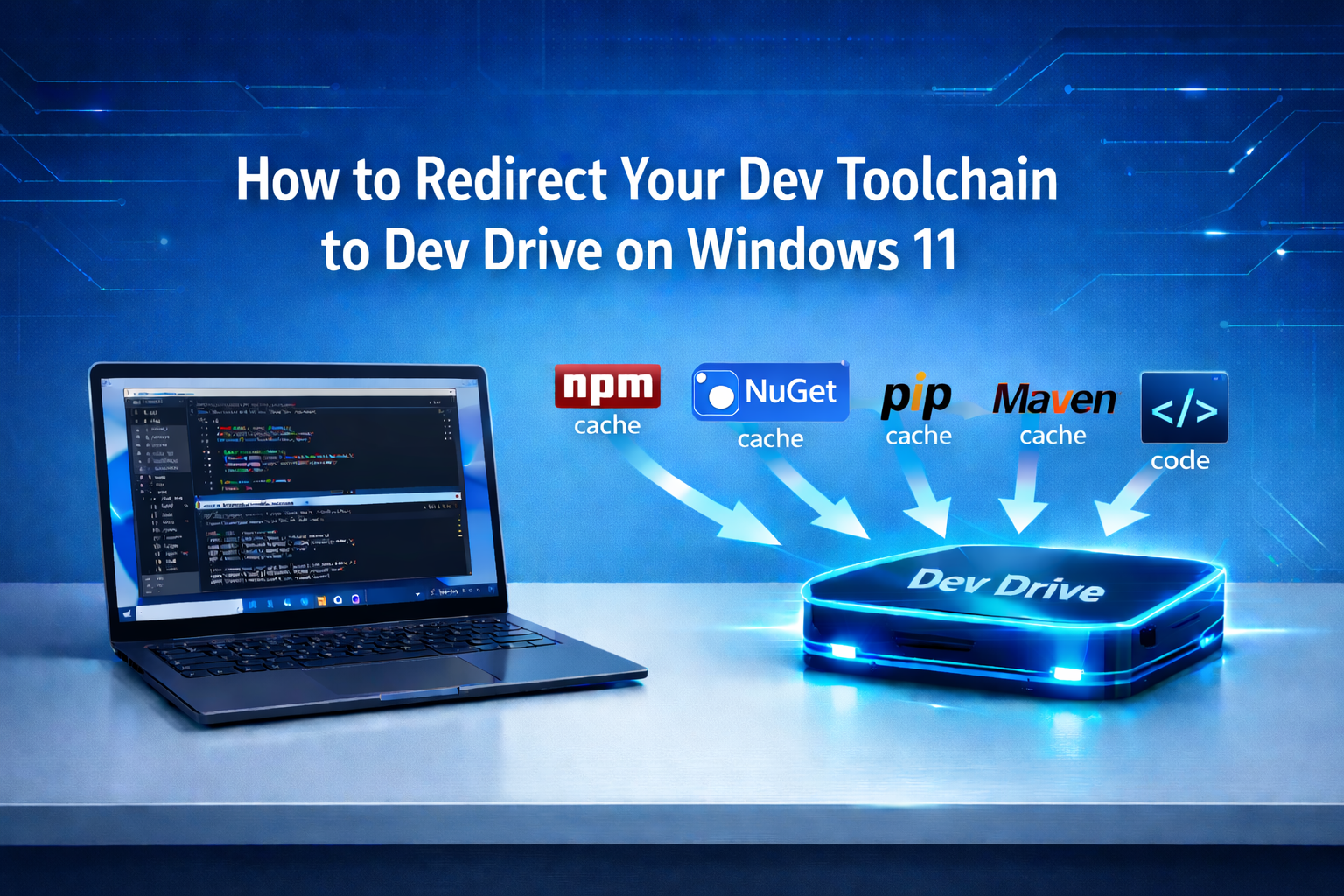
Most write-ups about Dev Drive cover why to use it. This one covers how - specifically, how to move the folders that matter most and point your toolchain there.
Create the volume first
Settings > System > Storage > Advanced storage settings > Disks & volumes > Create Dev Drive
Allocate at least 50 GB. If you're not ready to commit to a dedicated partition, create a VHD first - you can always migrate later.
Assume your Dev Drive mounts as D:\. Adjust paths below to match yours.
Redirect npm cache
npm config set cache D:\DevCache\npmRedirect NuGet cache
setx NUGET_PACKAGES "D:\DevCache\nuget"
setx NUGET_HTTP_CACHE_PATH "D:\DevCache\nuget-http"
Redirect pip cache
setx PIP_CACHE_DIR "D:\DevCache\pip"Redirect Maven local repository
in ~/.m2/settings.xml:
<localRepository>D:\DevCache\maven</localRepository>Redirect Gradle cache
setx GRADLE_USER_HOME "D:\DevCache\gradle"Repos
Clone directly to Dev Drive or move existing repos there. For active projects, a simple cut-paste works. Update any hardcoded paths in your IDE or run configurations.
Defender performance mode
Run in an elevated PowerShell prompt:
Set-MpPreference -PerformanceModeStatus EnabledThis enables performance mode for trusted Dev Drive volumes. Do not add exclusions - that disables scanning entirely, which is a different (and worse) trade-off.
Verify everything is pointing correctly
npm config get cache
dotnet nuget locals all --list
pip cache dir
Restart your IDE after making these changes. The difference is most noticeable on the first full build and dependency install after the switch.
Rolling it out to a team
The redirect commands above can be packaged into a one-time setup script and added to your developer onboarding. No ongoing maintenance needed - once the paths are set, tools use them automatically.
Conclusion
Dev Drive in Windows 11 improves development performance by reducing disk I/O bottlenecks.
Redirecting caches, repositories, and build artifacts helps speed up builds and dependency installs.
Once configured, the setup works automatically and can be included in team onboarding scripts.
At Atharva ITS, we work across .NET/C#, Java/Spring Boot, ReactJS, and Azure on client projects in the US, UK, and Europe. If you're evaluating a development partner or looking to optimize how your Windows-based dev teams are set up, get in touch