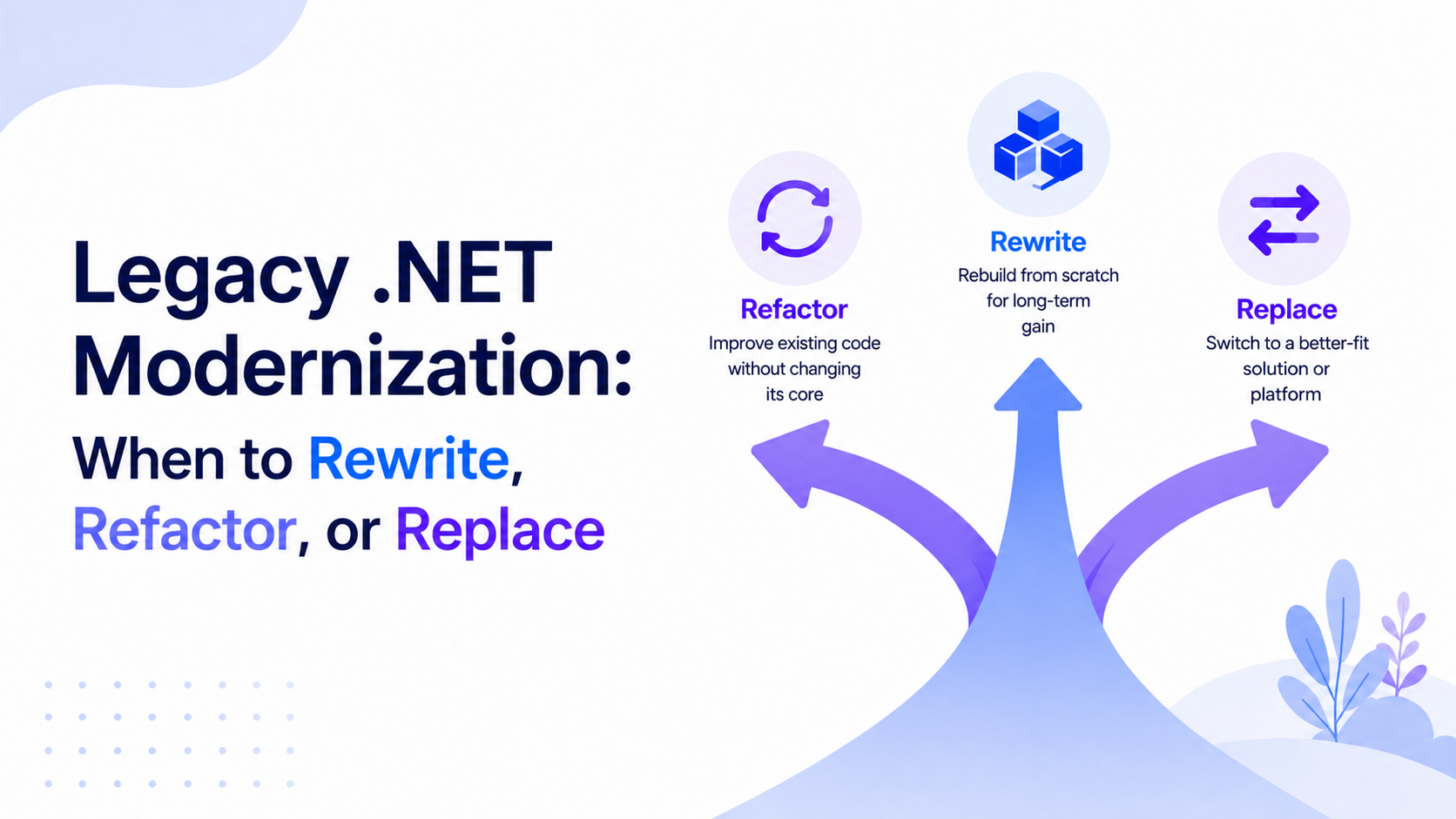
Legacy .NET Modernization: When to Rewrite, Refactor, or Replace
Table of Contents
Why Most Teams Get This Decision Wrong
Your .NET Framework application still works. It processes orders, runs reports, handles the business logic the company depends on. But deployments make the team nervous, new features take twice as long as they should, and the last developer who understood the authentication layer left 18 months ago.
You know something has to change. What most teams get wrong is deciding what that something is - too quickly, and for the wrong reasons.
The rewrite faction says: "We could do it better this time." The refactor camp says: "We can't afford to stop shipping." Both are right in some cases. Both cause expensive failures in others.
Legacy systems eat 20-40% of enterprise IT budgets in maintenance alone, and 90% of IT decision-makers say legacy software is holding their organization back. The cost of doing nothing is real. But full rewrites regularly take longer than planned, exceed budget, and lose business logic that was never documented. Refactors done without a clear scope turn into sprawl that never ships. Replacements chosen to avoid hard technical work often create a different set of hard technical work.
This guide gives you a framework to make the call correctly, based on your actual situation - not on what sounds best in a planning meeting.
Signs Your .NET App Is Overdue for Modernization
Age alone does not make a system legacy. Some ten-year-old .NET apps run cleanly. Some three-year-old ones are already unmaintainable. The real signals are operational and organizational:
Technical signals:
You're on .NET Framework 4.8 or older. Microsoft retired versions 4.5.2, 4.6, and 4.6.1 in 2022. Even 4.8 - the final Framework release - only receives critical security patches now. No new features, no cross-platform capability, no modern runtime improvements.
Dependencies with no active support. Third-party packages that haven't had a release in years, or NuGet packages that don't have .NET 6/7/8 equivalents, are technical debt compounding silently.
No automated test coverage. If the only test cycle is "deploy and see what breaks," every change is a risk event.
WebForms, WCF, or ASMX web services. These technologies have no equivalent in modern .NET. They don't port - they need to be replaced.
Windows-only deployment. If containerization or cloud-native deployment is on your roadmap but your app depends on Windows-specific APIs, that gap will block you.
Operational signals:
Feature development slows down quarter over quarter, even when team size is stable.
Production bugs require a developer to manually trace dependencies that aren't documented anywhere.
Deployments require specific manual steps, specific machines, or tribal knowledge.
Security audits flag the platform itself - not just code issues.
If you're seeing three or more of these, modernization is no longer optional. The question is which path.
Option 1: Refactor
Refactoring is targeted, incremental improvement of existing code without changing what the system does. It's the right answer more often than teams admit, and it's safer than a rewrite in most cases.
Refactor when:
The core architecture is sound but specific modules have degraded
The business logic is complex, poorly documented, and still largely correct
The team can continue shipping features alongside modernization work
The primary problem is code quality, test coverage, or dependency upgrades - not platform incompatibility
A well-run refactor programme identifies the highest-risk modules, targets them with improved structure and test coverage, and does so incrementally inside the existing codebase. Strangler Fig is the most common architectural pattern: build new functionality alongside old code, route traffic to the new version, and retire the old module once the new one is proven.
What refactoring is not: a polite way of describing a rewrite. If the scope expands to "rewrite every module over 18 months," that's a rewrite with extra steps and more risk, not a refactor.
The practical limit of refactoring is platform lock-in. If your app uses WebForms, WCF, or ASP.NET Web API 2 patterns that don't have equivalents in modern .NET, incremental refactoring will take you only so far. At some point, those components need replacing - which leads to the next option.
Option 2: Rewrite
A full rewrite means building the system from scratch in a new stack. It's the option teams default to when frustration with the existing codebase is high - and it's the option that most often fails to deliver what was promised.
Rewrite when:
The existing code is so tightly coupled and undocumented that incremental improvement would cost more than a clean start
The technology is fundamentally incompatible with modern infrastructure (WebForms apps that need to move to containerized cloud deployment, for example)
Business requirements have changed so substantially that the current architecture is structurally wrong, not just messy
The team has a clear, bounded scope - not a vague mandate to "build it better"
The real risks:
Lost business logic. Every production system contains behaviour that was never written down. The people who added those edge cases may be gone. A rewrite often discovers this 12 months in, when users report that the new system handles edge cases the old one handled silently.
The second system effect. Teams rewriting from scratch tend to over-engineer. Clean architecture, microservices, event-driven everything - all decisions that add complexity and delivery risk before a single line of real business logic is running.
Running two systems in parallel. The old system keeps running in production while the new one is built. That means maintaining the old codebase - with all its problems - and building the new one at the same time. Few teams have the capacity to do both well.
If you decide a rewrite is justified, keep the scope as narrow as possible, validate against the old system's actual behaviour before decommissioning, and treat the rewrite as a migration, not a redesign.
Option 3: Replace
Sometimes the right answer is to stop maintaining custom software entirely and buy the capability from a platform or SaaS product.
Replace when:
The application handles a generic business function - HR, CRM, project management, invoicing - that third-party products handle well
Maintenance cost already exceeds the value the custom system delivers
The business requirement is stable and unlikely to need heavy customization
A platform solution exists that integrates cleanly with the rest of your stack
The mistake teams make with replacement is using it to avoid hard technical work. Migrating from a custom .NET ERP to a SaaS ERP is not simpler than upgrading the .NET app - it involves data migration, process change, and integration work that has its own complexity and risk. The question is not which option is easier, but which option best serves the business three years from now.
For e-commerce and content-driven platforms specifically, Umbraco, Shopify, and similar platforms can replace custom .NET applications where the core requirement is content management or storefront capability, not bespoke business logic.
Decision Framework
Use this checklist to identify which path fits your situation:
Condition | Refactor | Rewrite | Replace |
Core architecture is sound, quality has degraded | Yes | No | No |
Business logic is complex and undocumented | Yes | Risky | No |
Platform fundamentally incompatible (WebForms, WCF) | Partial | Yes | Consider |
Generic function handled well by SaaS | No | No | Yes |
Team can ship and modernize in parallel | Yes | No | No |
Budget allows 12–24 months with no user-visible output | No | Yes | No |
Security or compliance risk from the platform itself | No | Yes | Consider |
Maintenance cost exceeds business value | No | Yes | Yes |
Strong test coverage exists | Yes | Yes | No |
No tests and no documentation | Risky | Yes(with care) | Consider |
Guidance: If most of your checkmarks land in a single column, that's your path. If they're split across two columns, start with a targeted refactor of the highest-risk components while planning a phased migration to modern .NET for the platform-incompatible parts.
Upgrading .NET Framework to .NET 6/7/8: What It Actually Involves
If refactoring or rewriting points you toward modern .NET, here is what the migration from .NET Framework actually involves - not the documentation walk-through, but the real work.
Compatibility inventory. Not all .NET Framework packages and APIs have .NET 6/7/8 equivalents. WebForms has no modern equivalent. WCF has a community-maintained port (CoreWCF), but it is not a full replacement. EF6 can be migrated to EF Core, but the migration requires careful query-level review. Start with the .NET Upgrade Assistant, which scans your solution and flags compatibility gaps before you touch a line of code.
Phased project migration. For most production codebases, the safest approach is project-by-project migration: convert class libraries first, then data access layers, then API layers, then the frontend or service layer. Running .NET Framework projects alongside .NET Standard 2.0 libraries lets you migrate incrementally without a big-bang cutover.
Breaking changes. .NET 8 introduces binary-incompatible changes across ASP.NET Core, cryptography, and serialization. Categories include binary incompatible changes (existing binaries fail at runtime), source incompatible changes (existing code requires source edits to compile), and behavioral changes (code compiles but behaves differently). The Microsoft breaking changes reference is the authoritative list - read it by area before migrating each layer.
Windows-specific APIs. If your app uses Windows-only APIs - registry access, Windows Authentication, MSMQ - the migration path depends on whether those dependencies can be replaced or whether the app will remain Windows-hosted. Azure Service Bus replaces MSMQ in cloud scenarios. Windows Authentication is supported in ASP.NET Core but requires explicit configuration.
Testing before decommission. Any migration without test coverage is high-risk. If you have no automated tests before the migration, establish a regression baseline - even a basic integration test suite against the old system's endpoints - before beginning. Running both systems in parallel during a transition period is standard practice on production migrations.
Timeline: For a mid-size .NET Framework application (50,000–200,000 lines), expect 3–6 months for a senior team doing project-by-project migration with existing test coverage. Without tests, add 2–3 months for baseline coverage work upfront. These estimates assume senior engineers who know the stack - junior developers on a migration of this complexity reliably extend timelines and introduce regressions.
Working with a .NET Modernization Partner
The most expensive legacy .NET modernization decisions are the ones made without a full picture of the codebase. Before committing to a path, run a proper assessment: catalogue your dependencies, identify WebForms/WCF usage, establish what test coverage exists, and map the modules with the highest change frequency against the ones with the most complexity.
Atharva IT Services works with CTOs and engineering leads at mid-size e-commerce, SaaS, and fintech companies across the UK, US, and Australia on exactly these decisions. Our .NET modernization services cover codebase assessment, phased migration from .NET Framework to .NET 8, ASP.NET Core API modernization, EF Core migration, and cloud-native re-architecture on Azure and AWS. Every engagement is staffed by senior engineers with 10+ years of enterprise .NET experience - no juniors on delivery work.
If you have an aging .NET codebase and are trying to decide what to do with it, book a free 15-minute consultation. We'll give you an honest read of your options - including whether the right answer is to do nothing yet.
Conclusion
Rewrite, refactor, or replace: none of these is the default right answer. The right answer depends on what is actually wrong with your system, how much risk your business can absorb, and whether the team doing the work has the experience to execute the chosen path without making the situation worse.
The most common failure pattern is choosing a full rewrite because the codebase is frustrating, underestimating the hidden complexity, and arriving 18 months later with a half-finished system and a production backlog that kept running on the old code. The second most common failure is choosing incremental refactoring to avoid the disruption of a proper migration, only to still be running .NET Framework 4.8 in 2028.
Use the decision framework above as your starting point. Get a codebase assessment before you commit. And if you're unsure, talk to a team that has done this before - not one that will tell you what you want to hear.
Related Blogs

Introduction To Rate Limiting Middleware in ASP.NET Core
Discover how rate limiting middleware boosts performance in ASP.NET Core
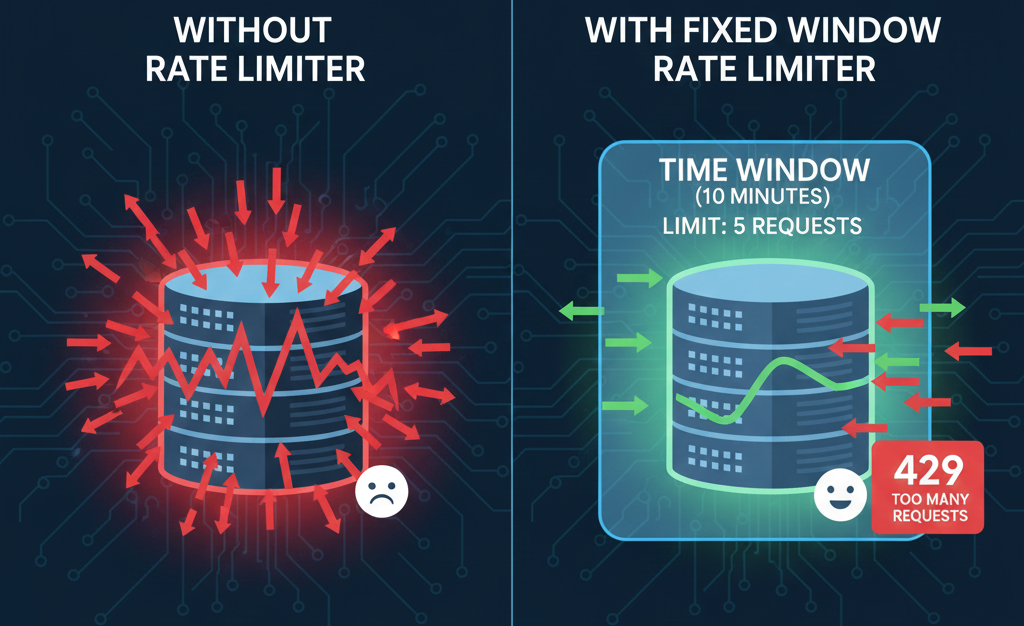
Fixed Window Rate Limiter in ASP.NET Core
How the Fixed Window Rate Limiter keeps ASP.NET Core APIs stable and controlled.
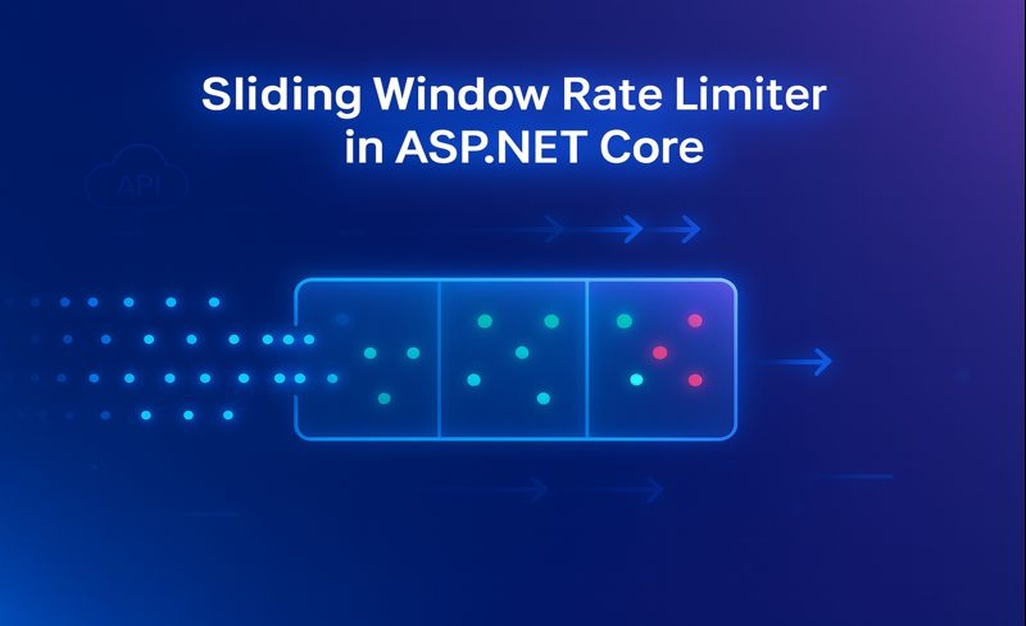
Sliding Window Rate Limiter in ASP.NET Core: What is it and when to use it?
Sliding Window Rate Limiting to balance bursty traffic and protect ASP.NET Core APIs.